
Event Details
Event Details
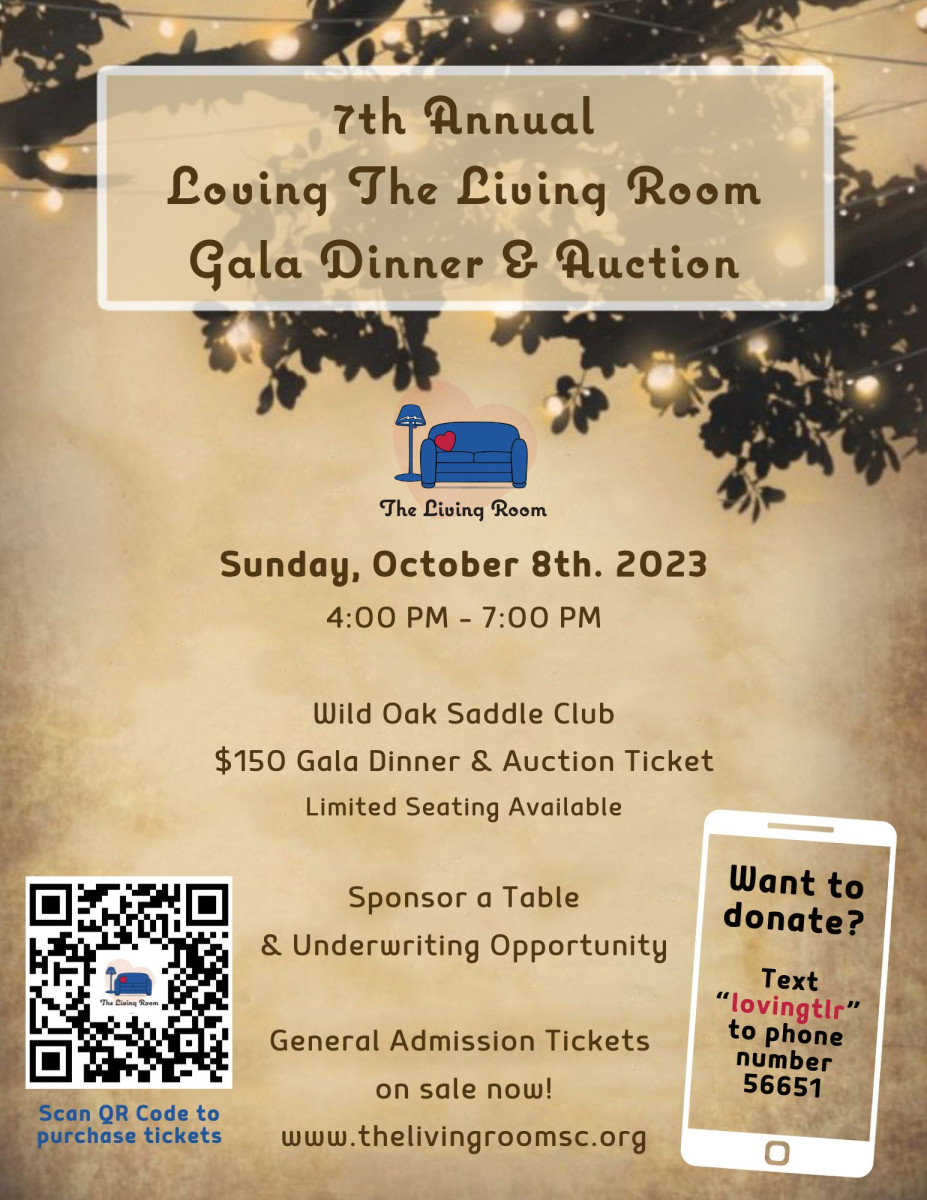
The Mission of The Living Room
The Living Room's mission is to ease adversity, promote stability, and support self-reliance for women and children who are experiencing homelessness, or at-risk of homelessness, in Sonoma County.


The Living Room Life Center is a warm and inclusive place for our participants to find support on their journey for a better life. We aren't just a place to find resources for food, housing and other services, we are also the only walk-in center for unsheltered or at-risk women and their children to call home during the day. All of our programs include supportive, individualized care. We have a team of highly educated staff, partners and volunteers with lived experience, who offer our participants vital peer-to-peer support. 2023 marks 30 years of providing hope for women and children in Sonoma County and we will continue this legacy with ongoing support from our community.

Proceeds from Loving the Living Room
- Allow critical services to reach women and children at The Life Center consistently
- Help to fund the production and distribution of nutritious meals for Sonoma County's most food insecure
- Support TLR housing program that gives access to vulnerable women and children
Event Sponsors
Event Sponsors
We owe so much to our wonderful sponsors!
*Logos are meant for educational purposes only.
Learn How to Bid
Learn How to Bid
View the video below for easy instructions on how to bid on the silent auction!
Go to your organization's landing page.
Log in by entering your phone number or email address and tap GO.
You will receive an email or text with a one-time Login Code
Enter the code and click Next (code expires after 15 minutes)
Confirm you are the name listed then click "Continue".
Once completely logged in, you can search by item #, keyword, or by category.
To place a bid tap on the blue "Bid/Info" button. There you can place a fast bid, bid, or set a max bid, and read details about items.
Tap on MENU > MY ITEMS to view your activity throughout the event.
Use the Blue Gear icon in the top left corner of the bidding site to update your information at any time.