

#101
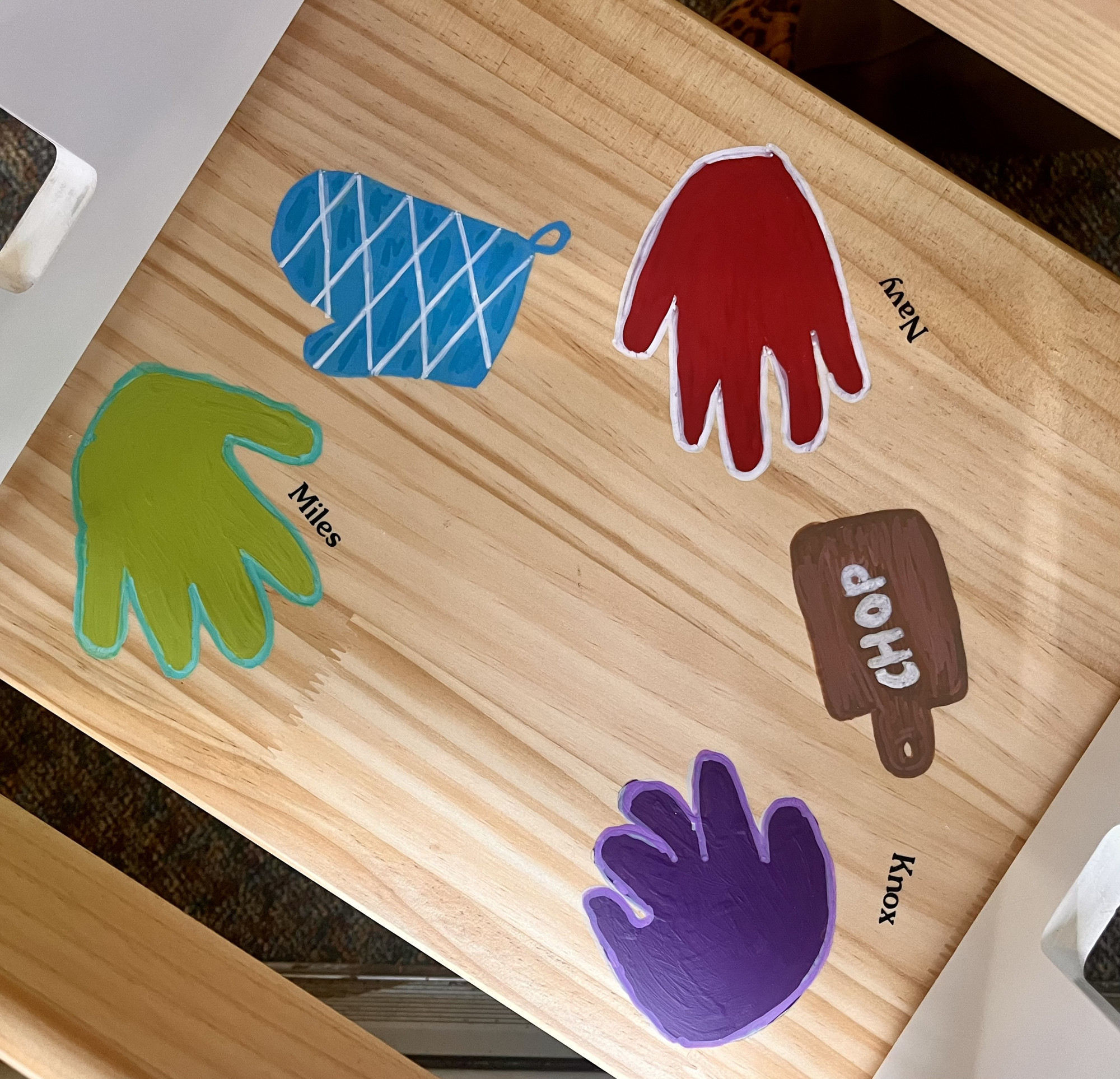
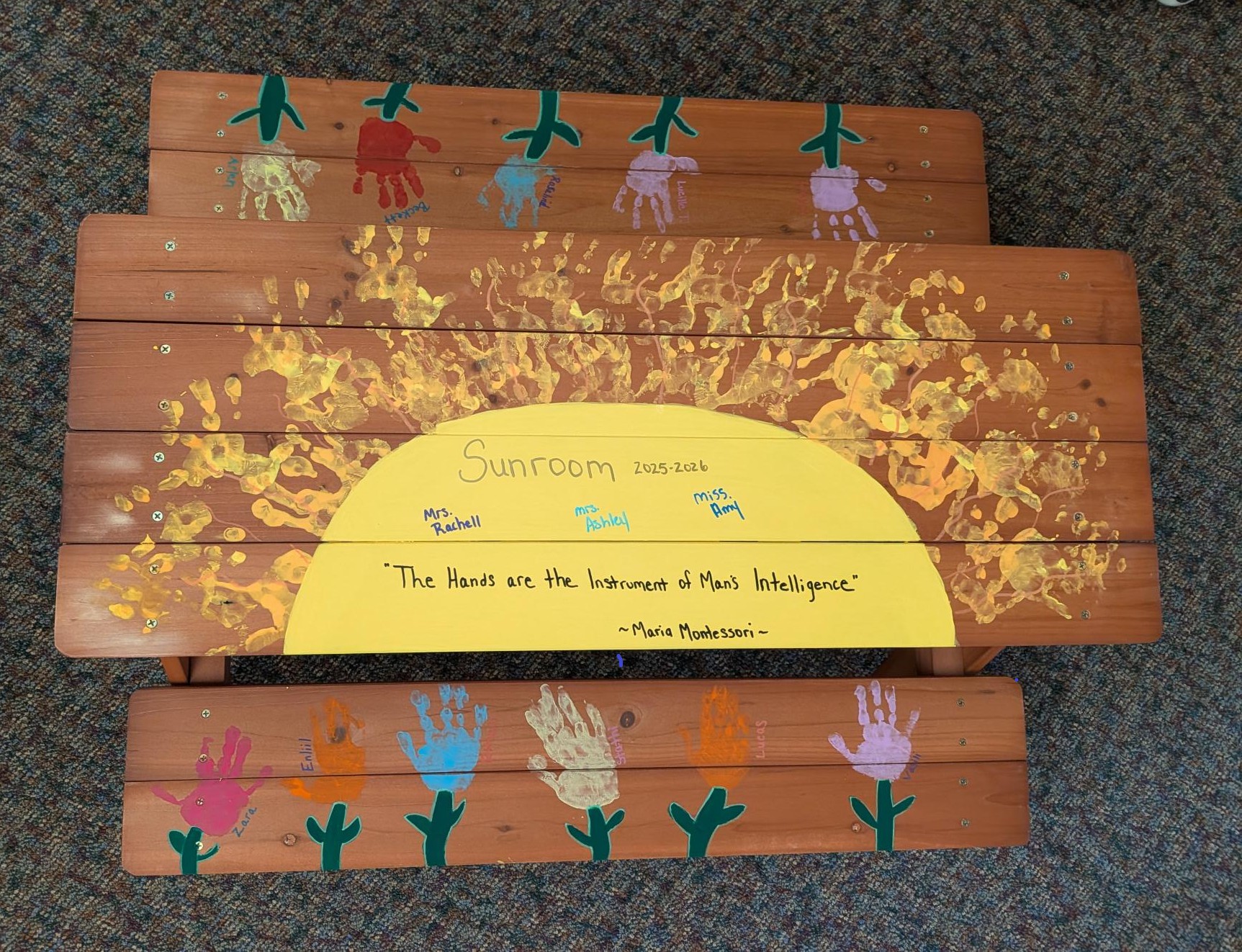
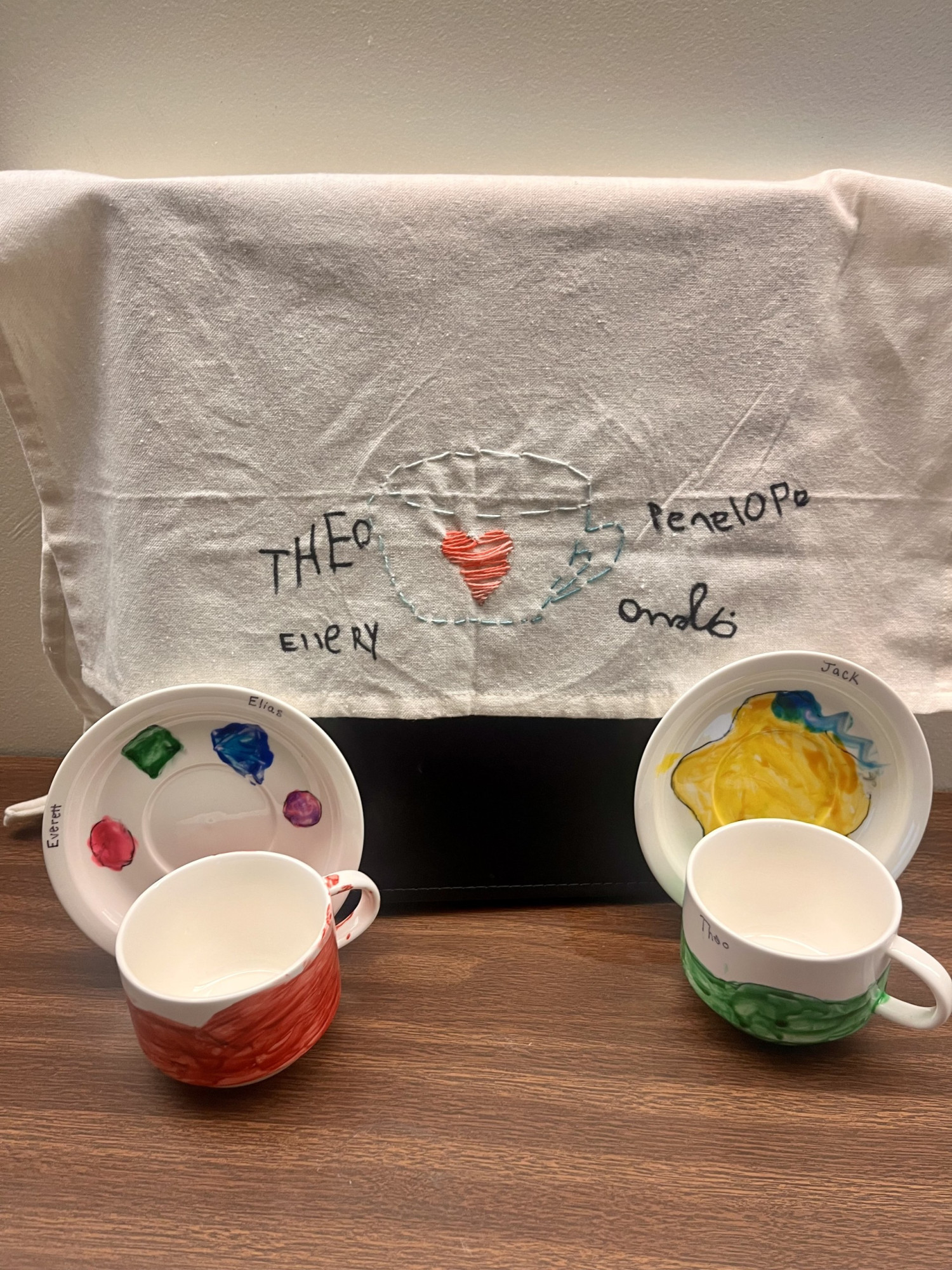
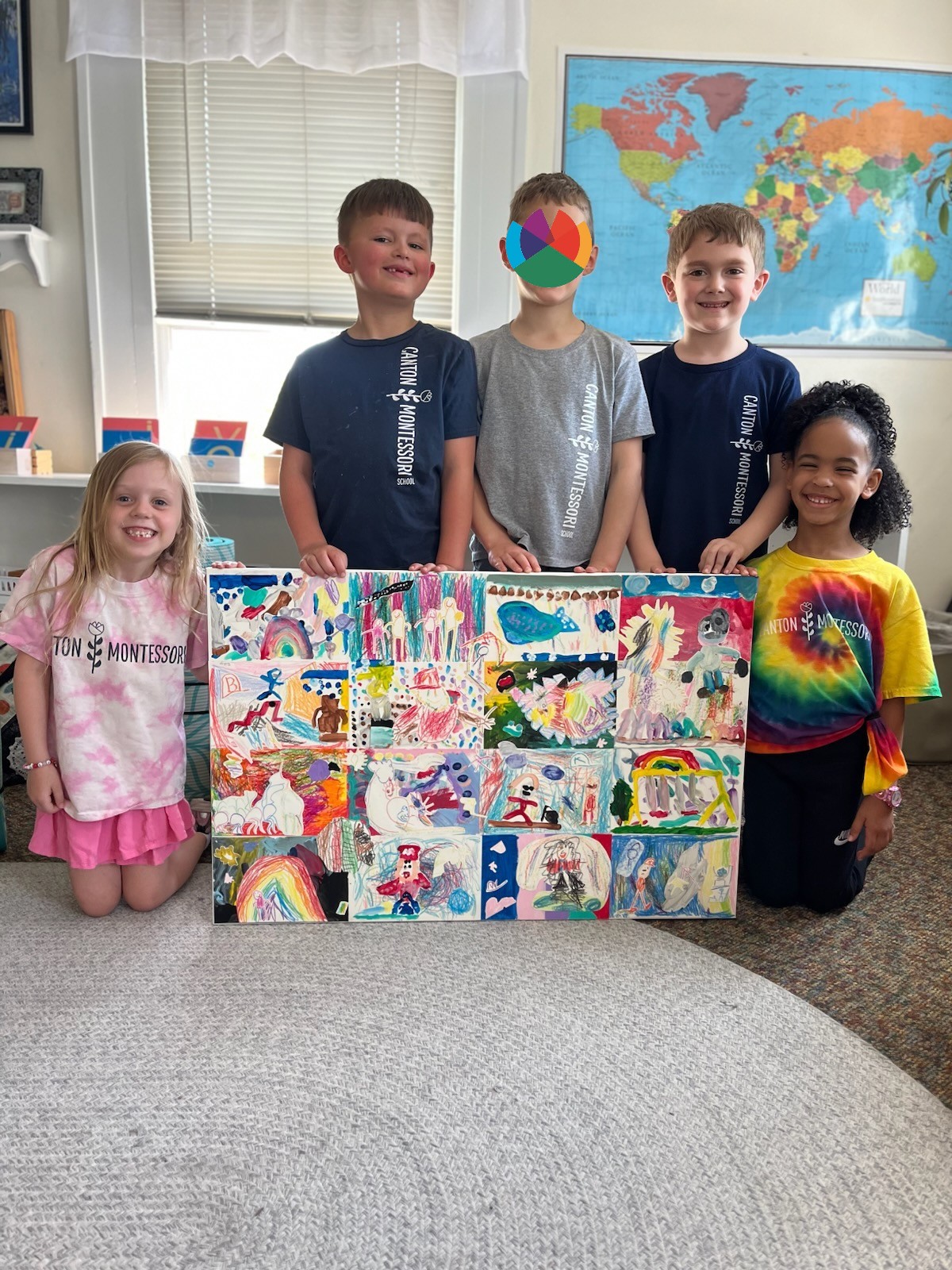
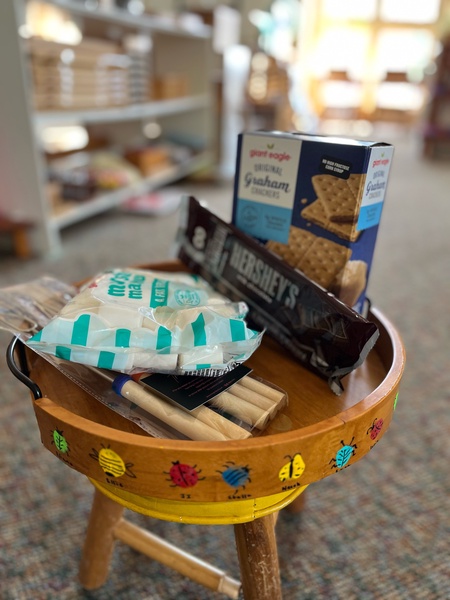
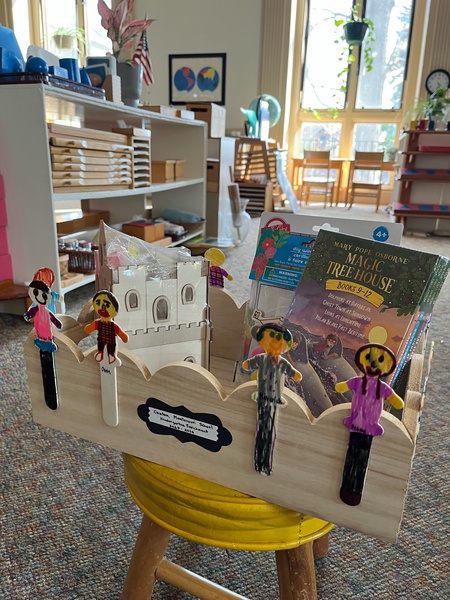
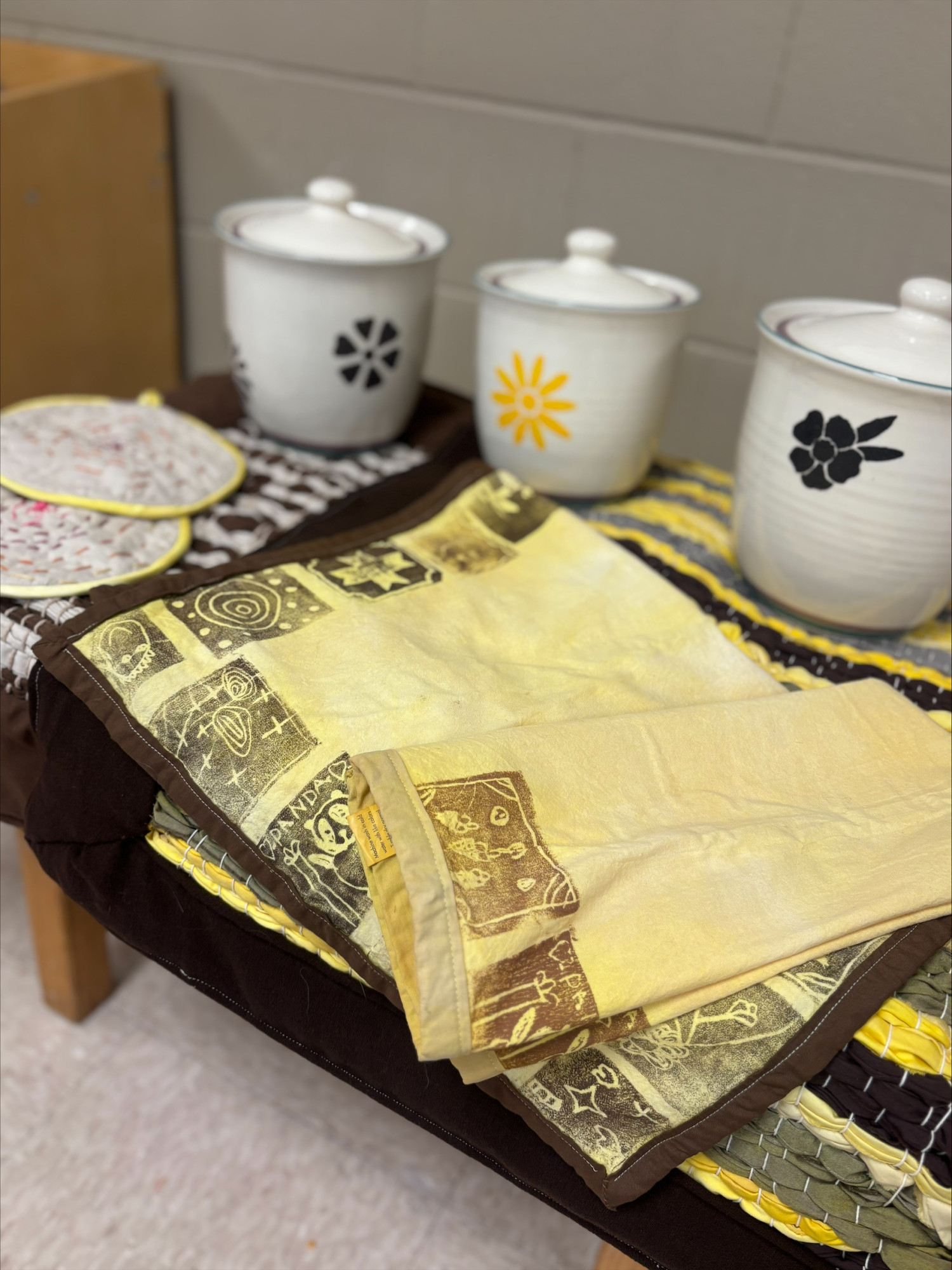
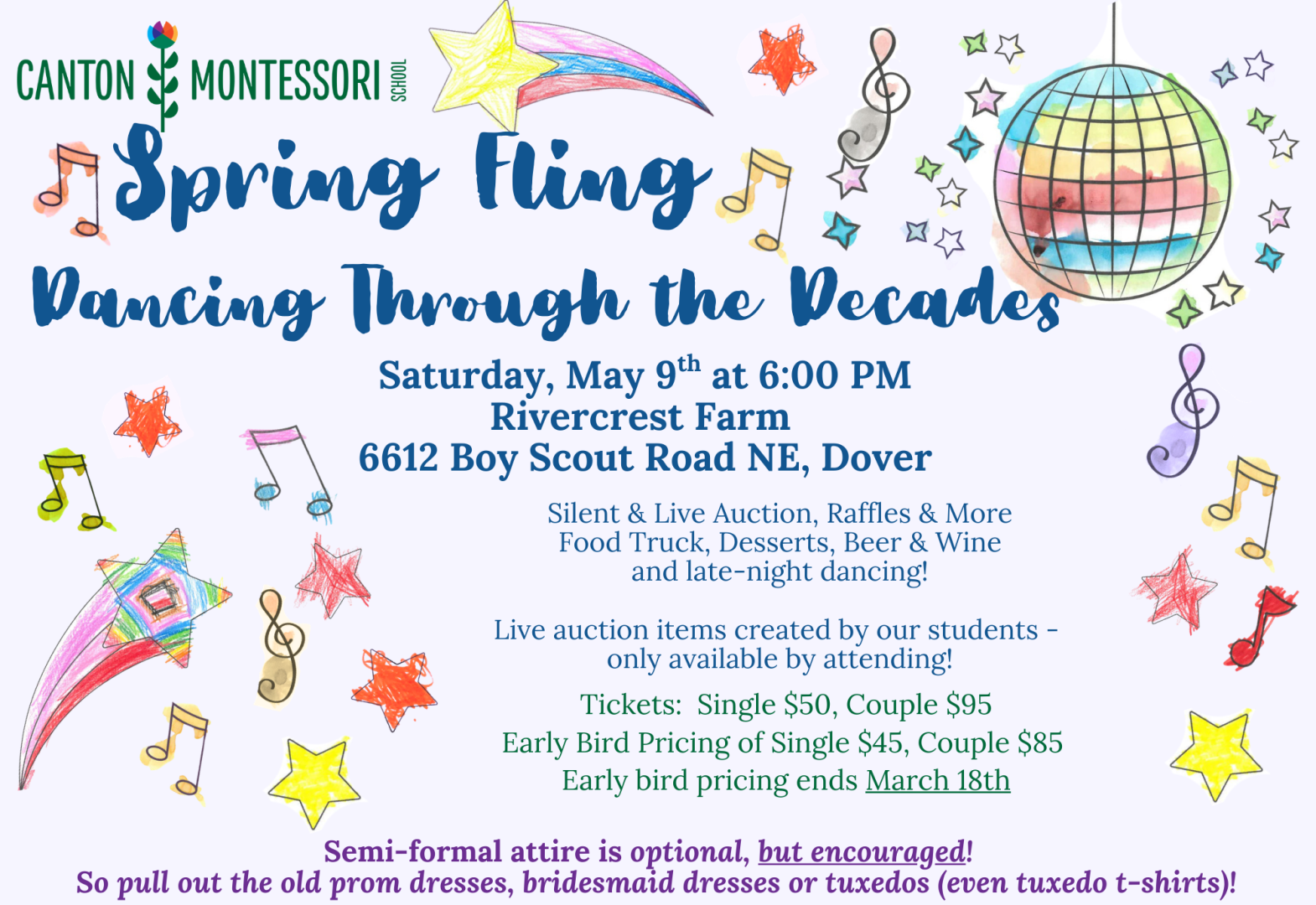
Spring Fling 2026 - Dancing Through the Decades
May 9, 2026 at 6:00 PM
Join us for Dinner, Drinks, & Dancing
Along with our Silent and Live Auction
Semi-formal attire is optional, but encouraged!
So pull out the old prom dresses, bridesmaid dresses, or tuxedos (even tuxedo t-shirts)!
Premier Sponsors


$5000 Shopping Spree Sponsor

Venue Sponsors
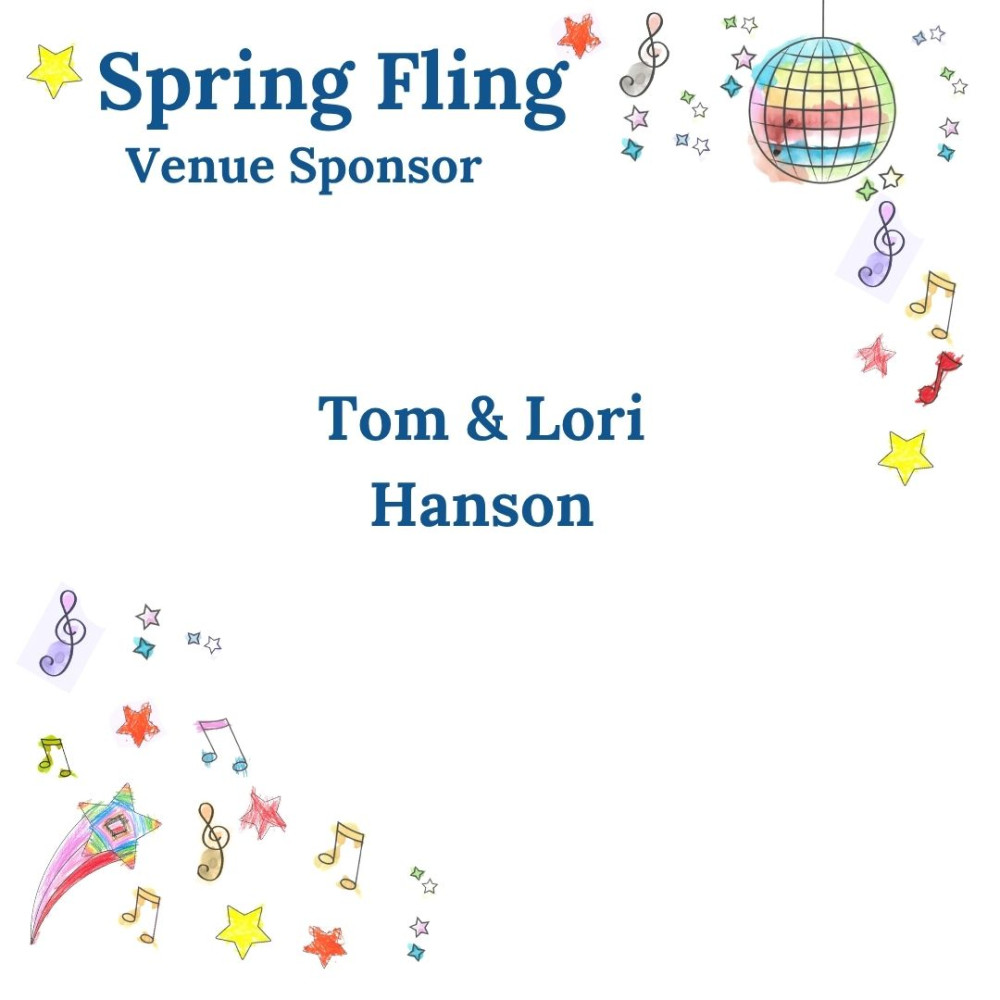
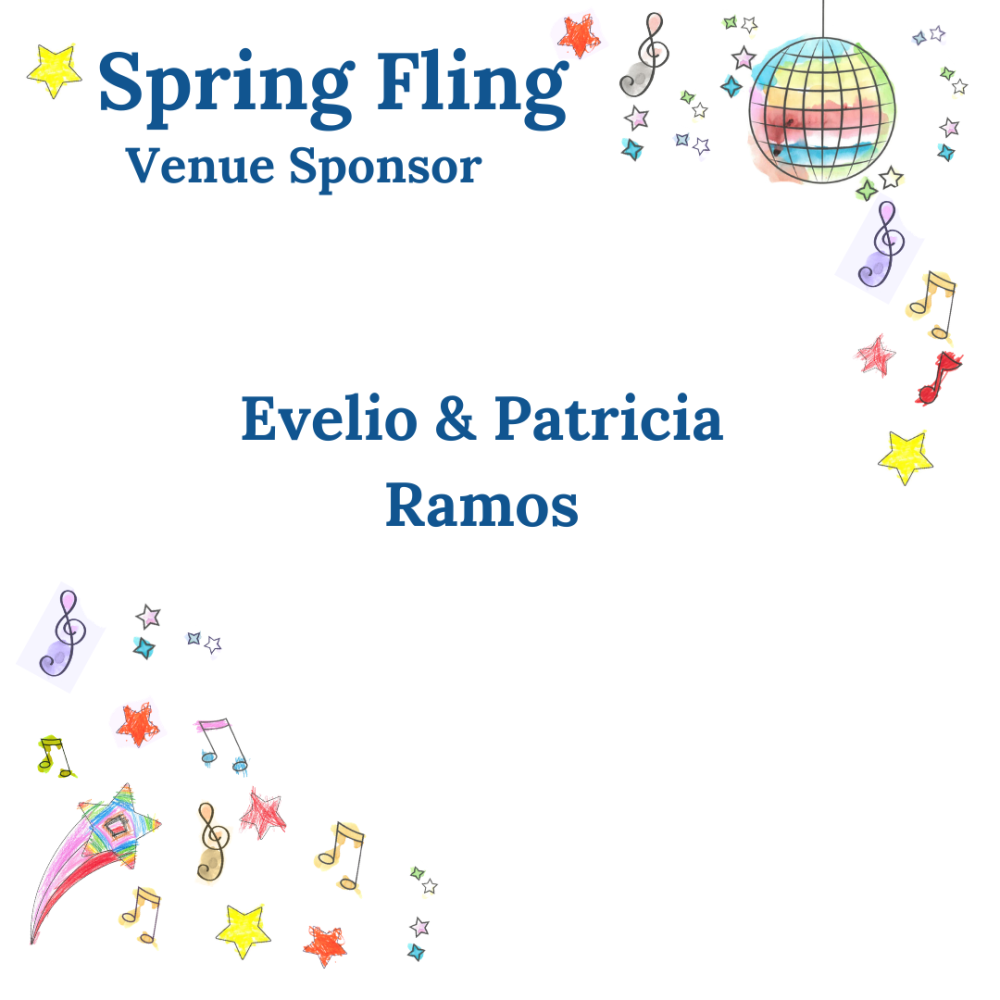
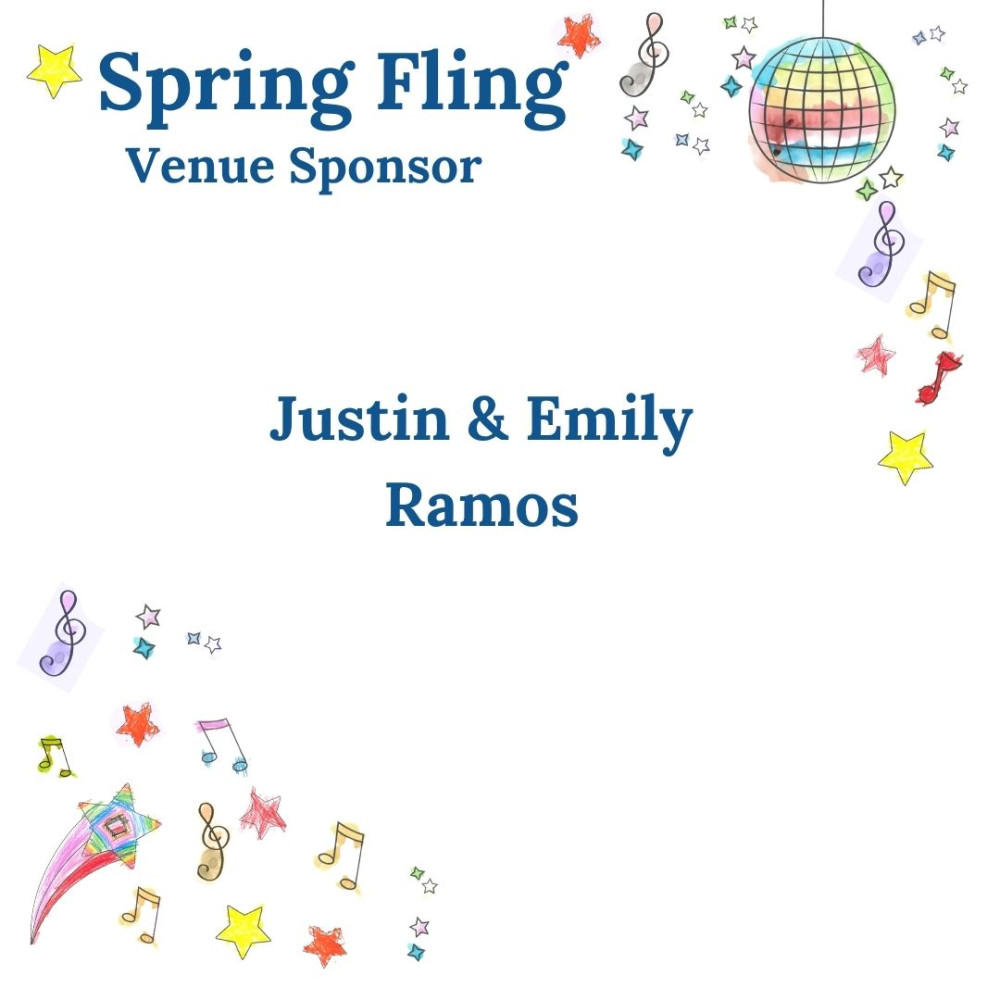
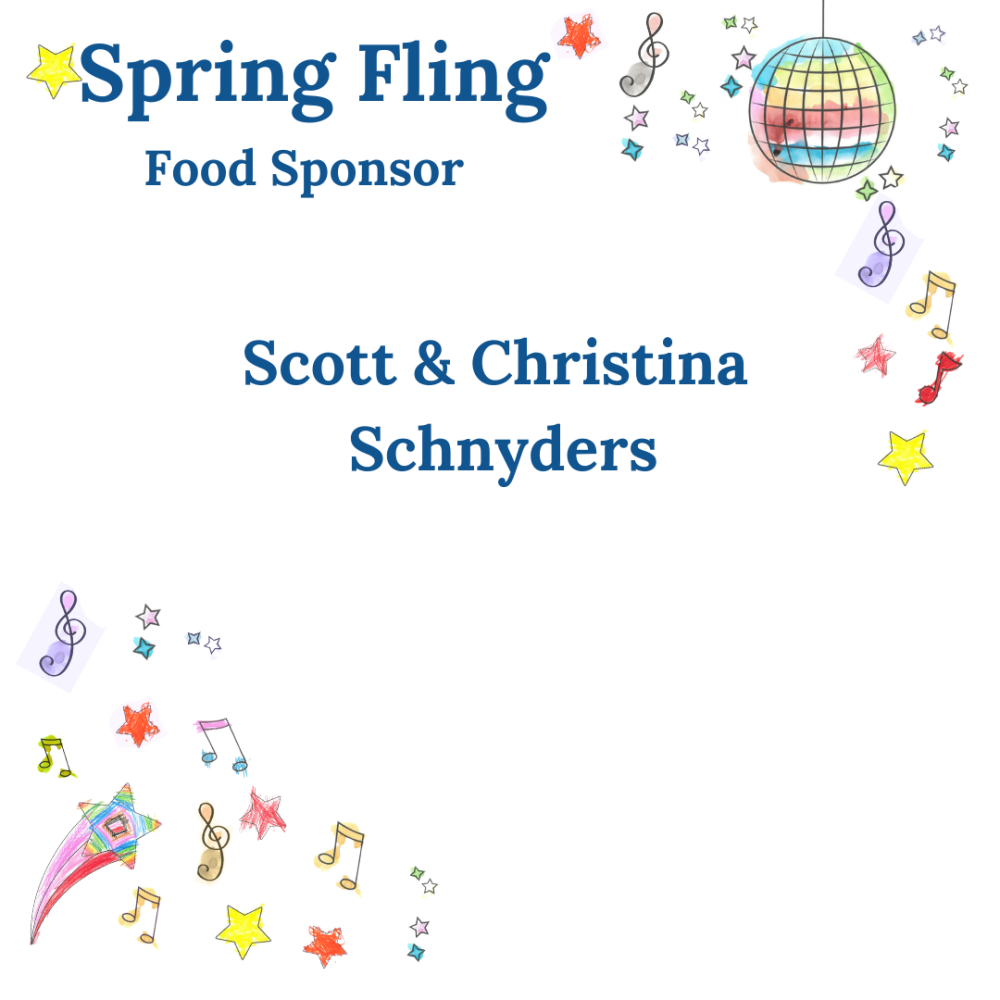
Food Sponsors
Bar Sponsor





Entertainment Sponsor




🌟 Silent Auction Information
Our Silent Auction will open Saturday, April 25th, and remain open until Saturday, May 9th at 7:15 PM . The auction will close before our Live Auction at the event. You do not need to attend the event to bid or win!
💻 How to Participate
Log In: At the top of the auction page, log in using the same phone number or email used to purchase your event tickets.
Enter Code: A one-time log-in code will be sent to your device. Enter the code and click “Next.”
Access the Home Screen: Once logged in, you’ll see the bidding site's home screen.
Place Your Bids:
Click “Bid/Info” to view item details.
You can place a Fast Bid or set a Max Bid so the system bids for you up to your chosen limit.
View Your Activity: Click Menu > My Items to see the items you’ve bid on or won.
Payment: When the auction closes, click the red “PAY” button to complete your purchase.
Raffle Winners: Winners of basket raffles may pick up their prizes after the event.
🎤 Bid in the Live Auction
How to Bid: Raise your hand high and clearly state your bid amount when prompted during the Live Auction.
Spotters in Action: Our spotters will record the winning bid numbers and update them on the event site's backend.
Payment: After the auction, click the red “PAY” button to complete your payment for any items you’ve won.
Pick-Up: Winners can collect their items at the end of the event. Please ensure all items and payments are finalized before you leave.